# PFS | Dashboard
1. Attempt to access a locked area of the course
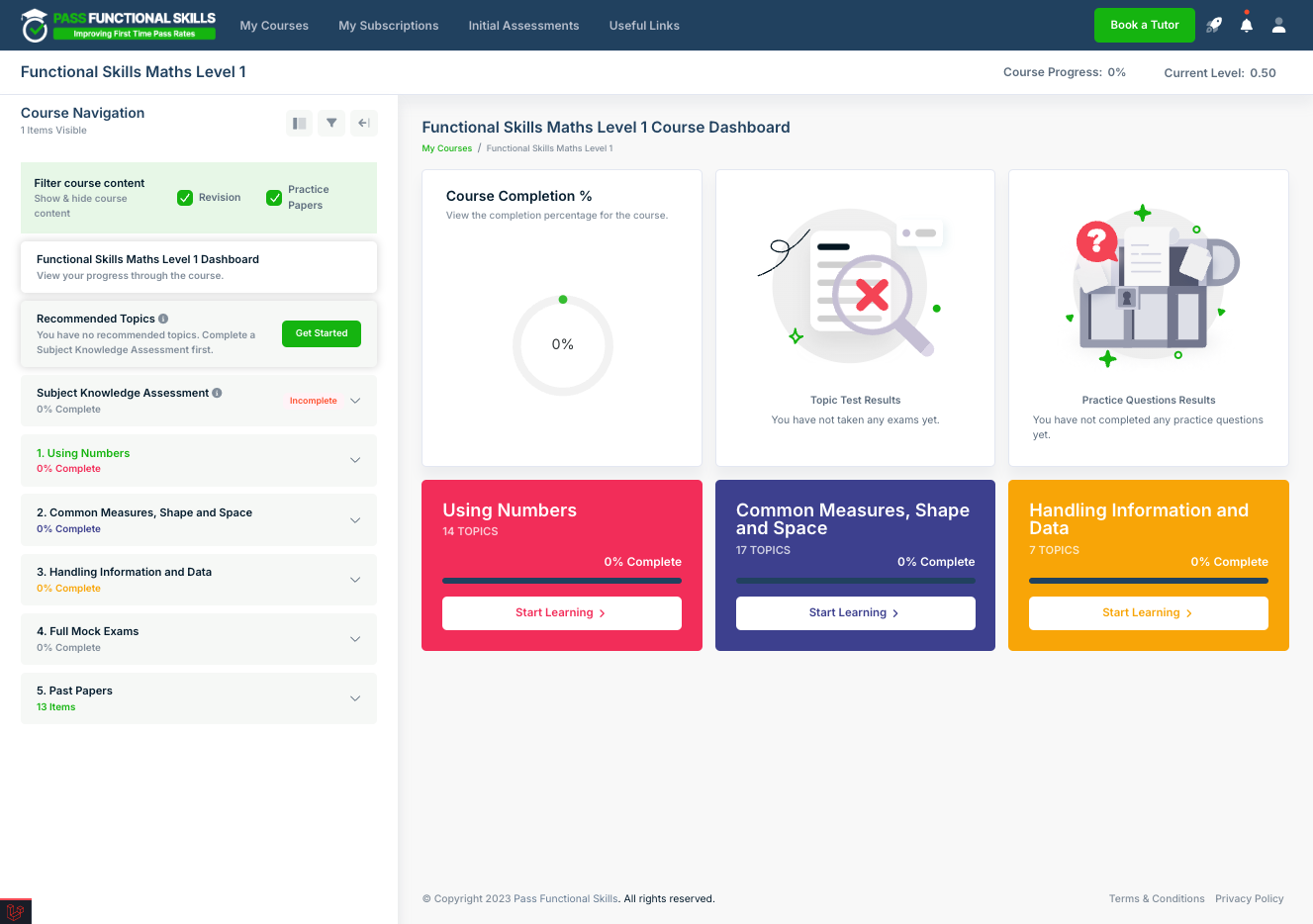
2. For example, a locked topic in the course nav
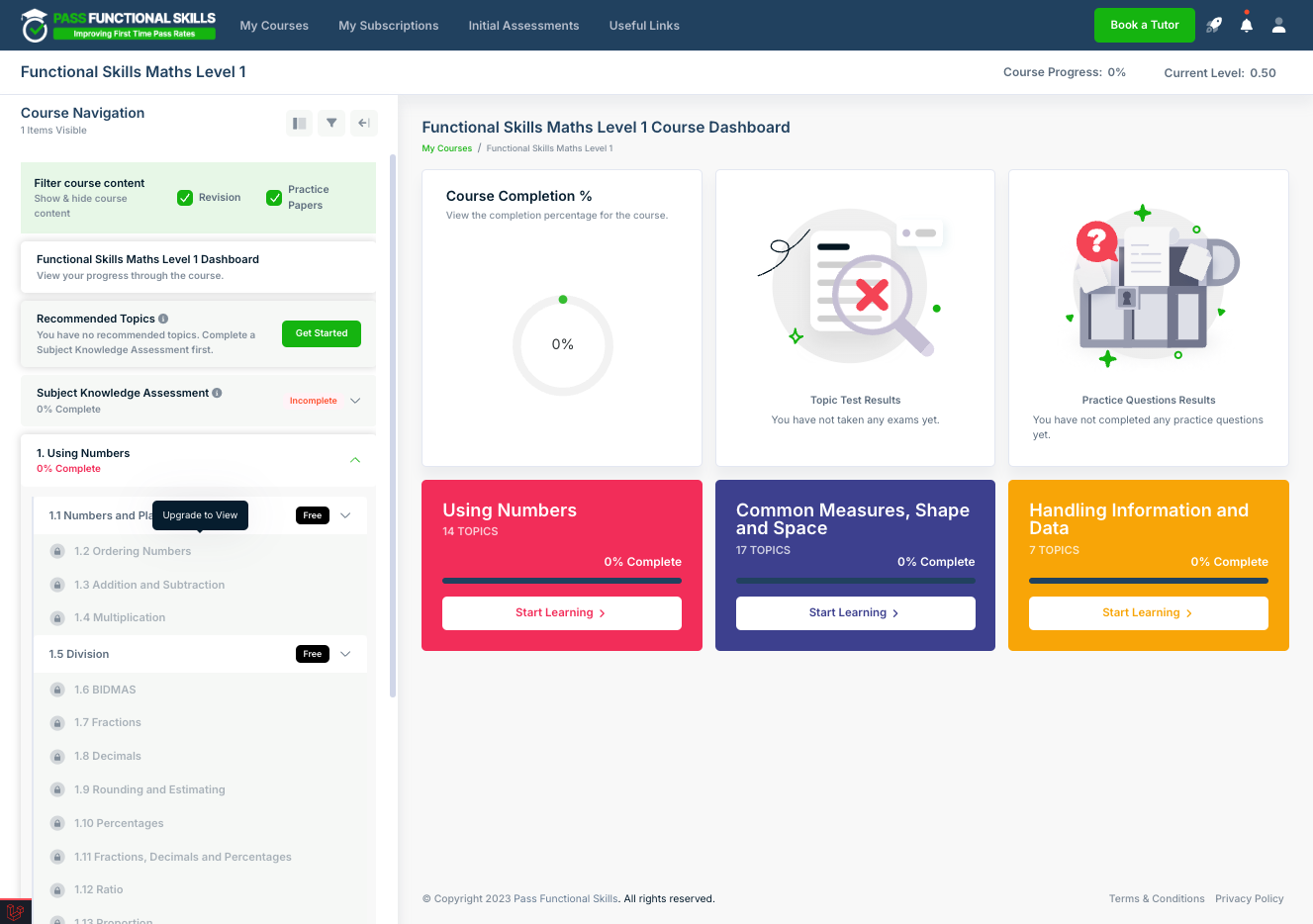
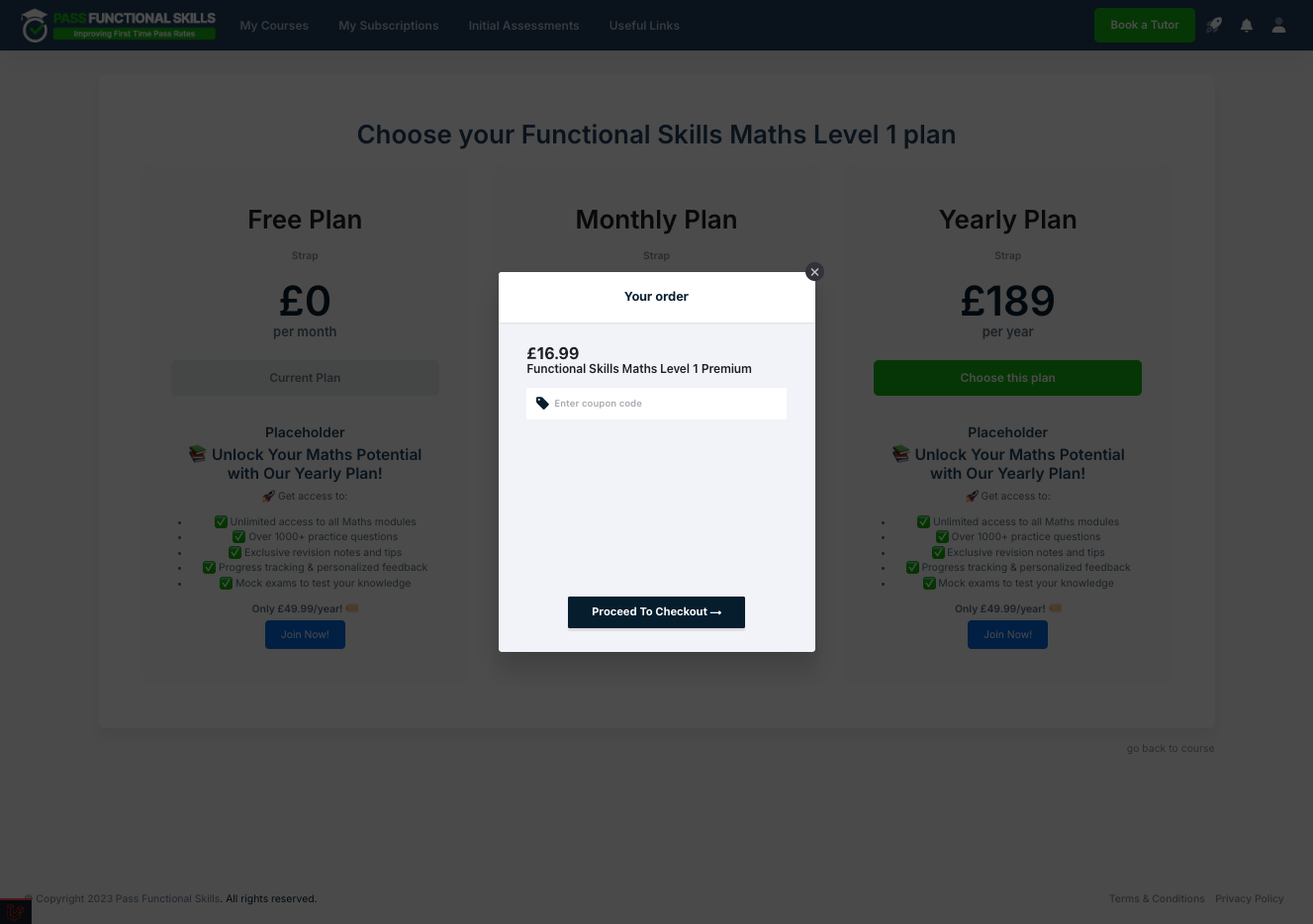
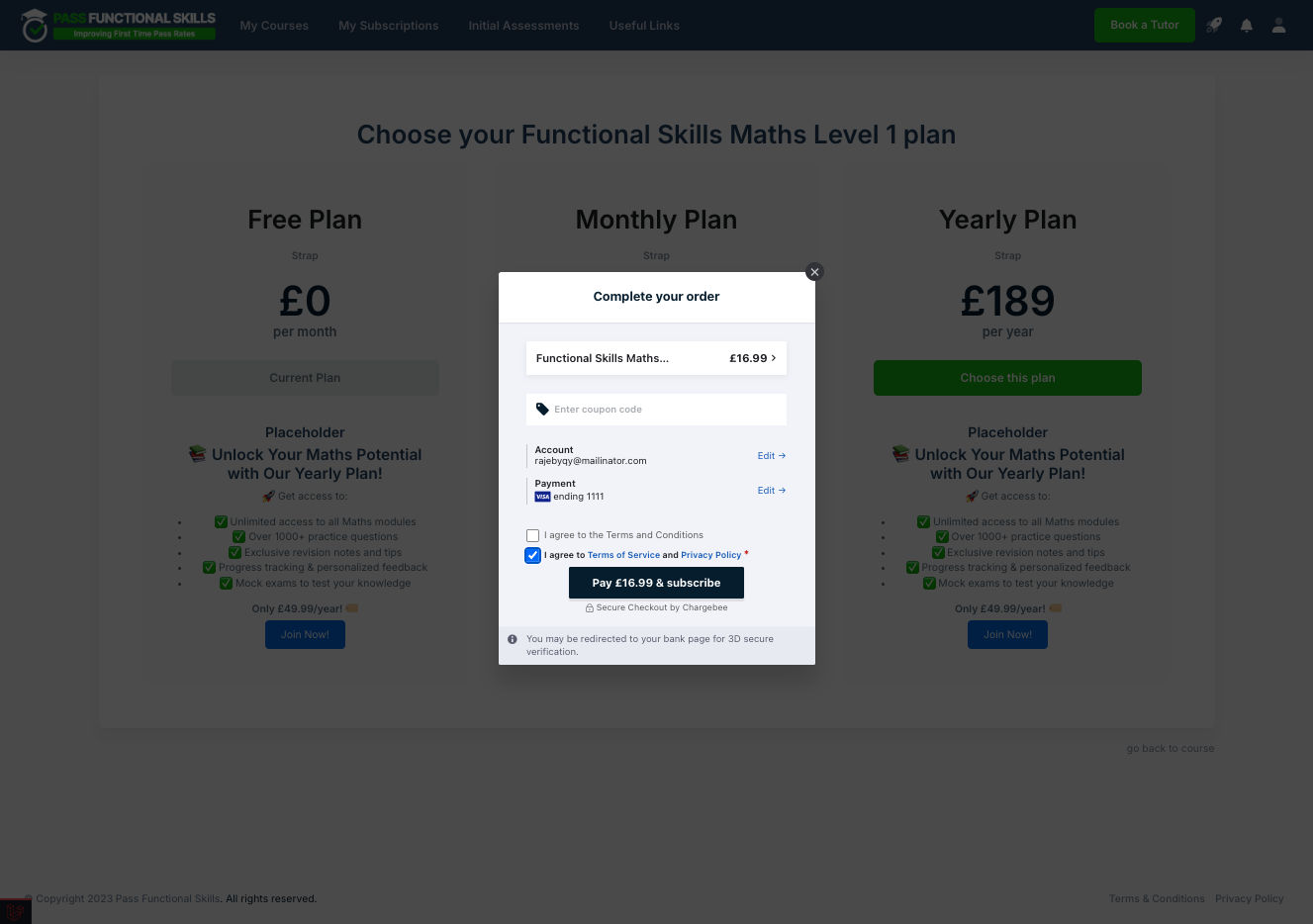
3. The student will be directed to a page to choose a plan. For example, monthly or yearly. Click "Choose this plan" on the relevant one
4. Add any coupon codes (if applicable), Click on Proceed To Checkout
5. Enter payment details CC/PayPal
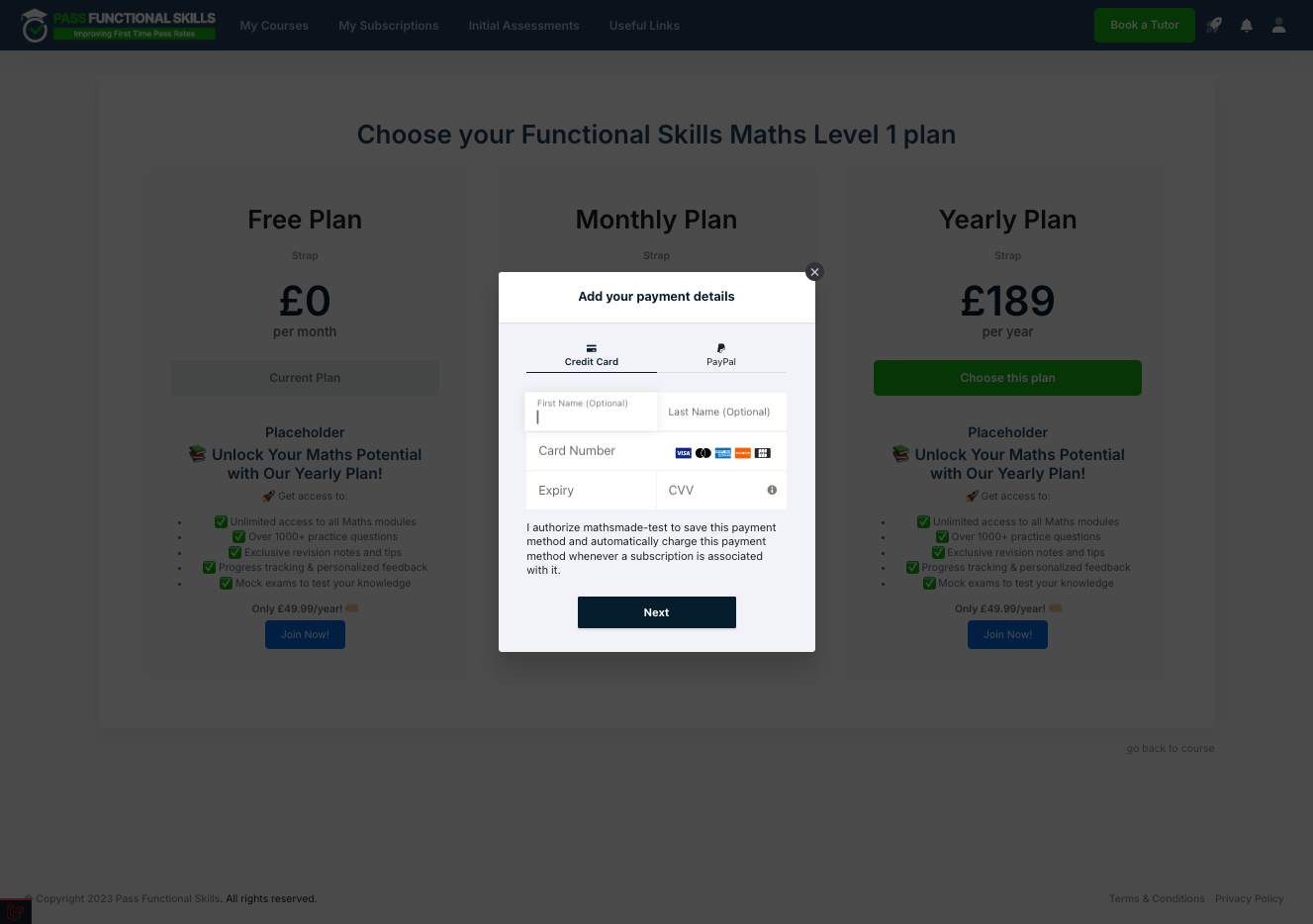
6. Click on Next
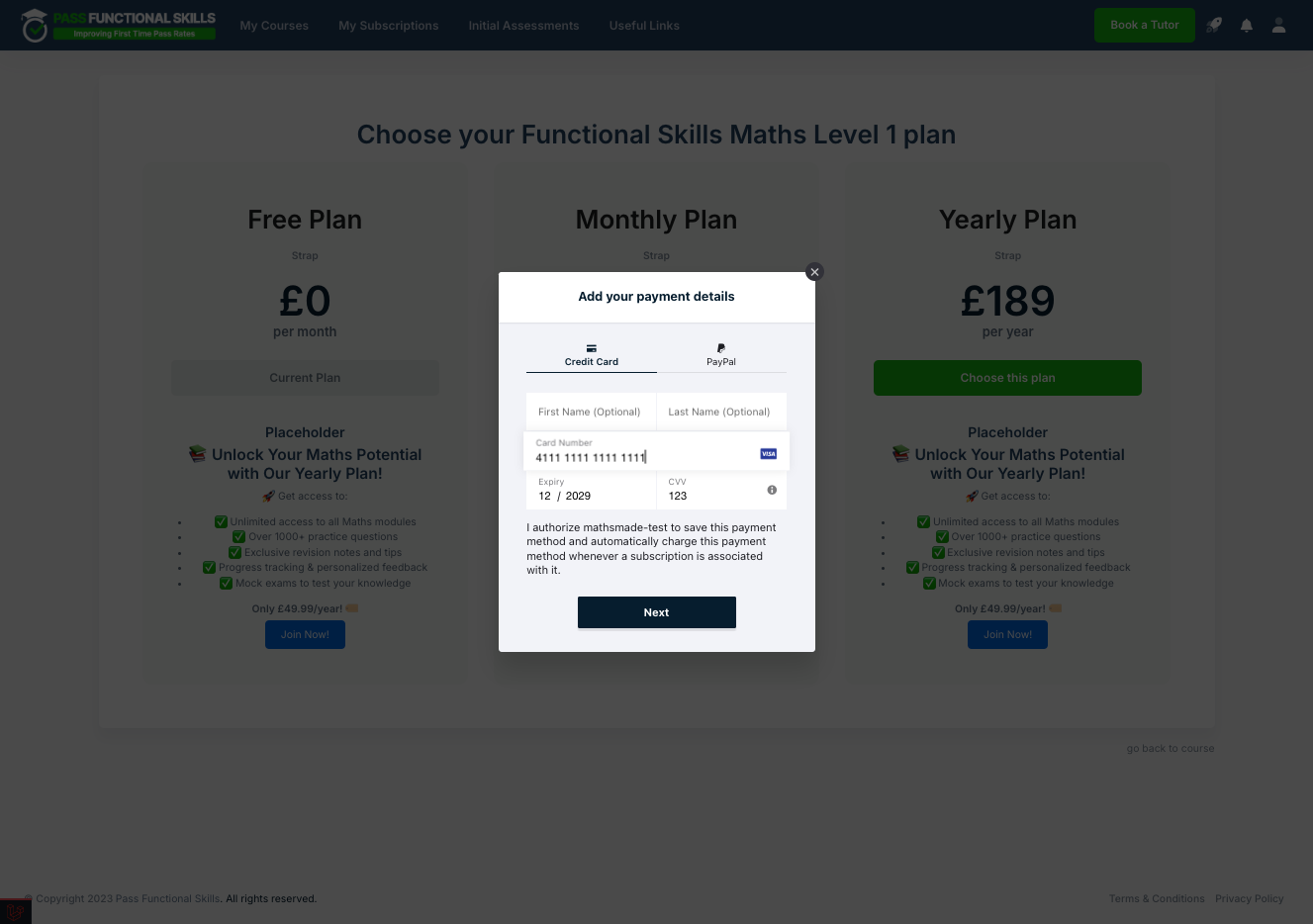
7. Read and agree to the Terms of Service and Privacy Policy
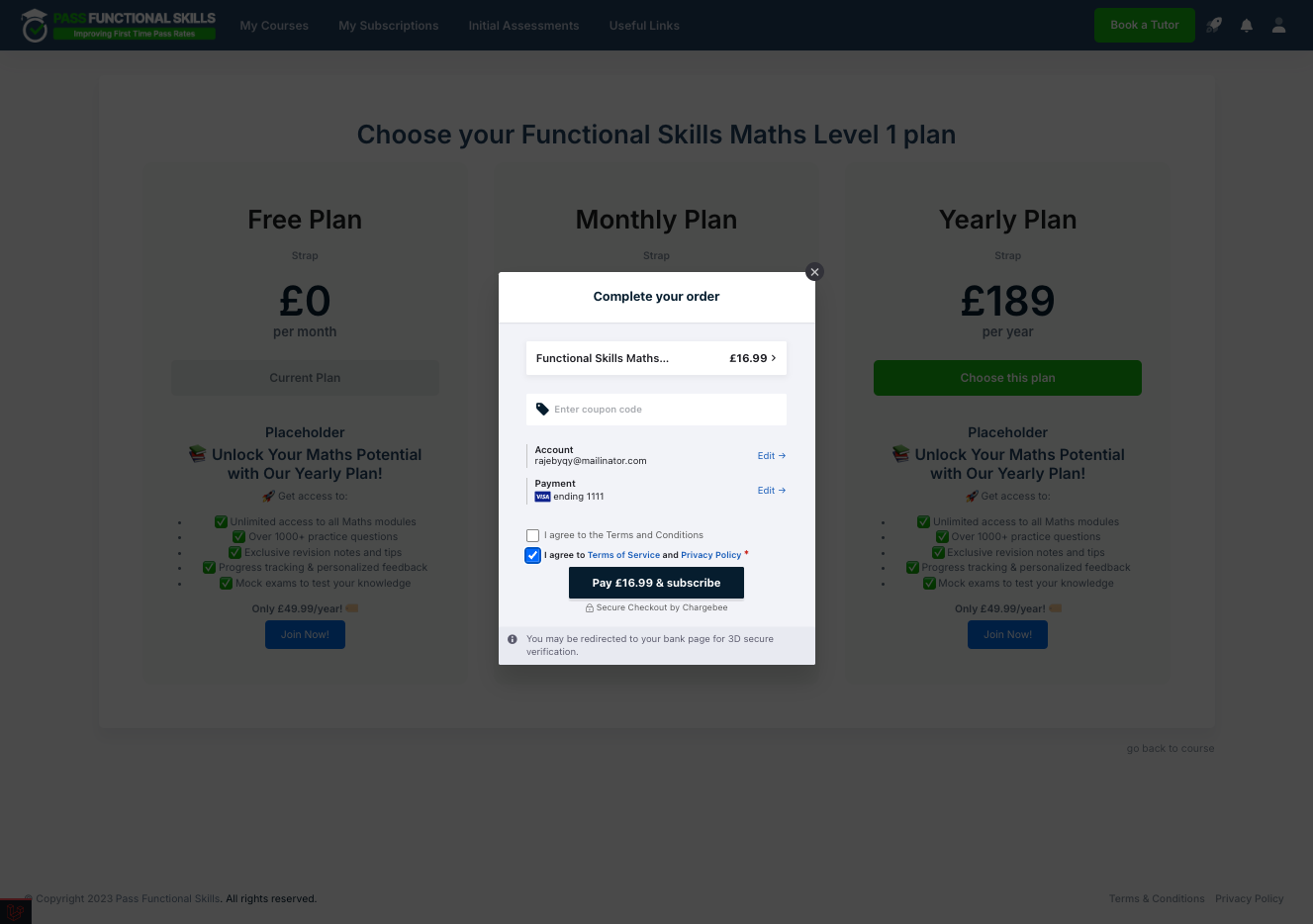
8. Click on Pay
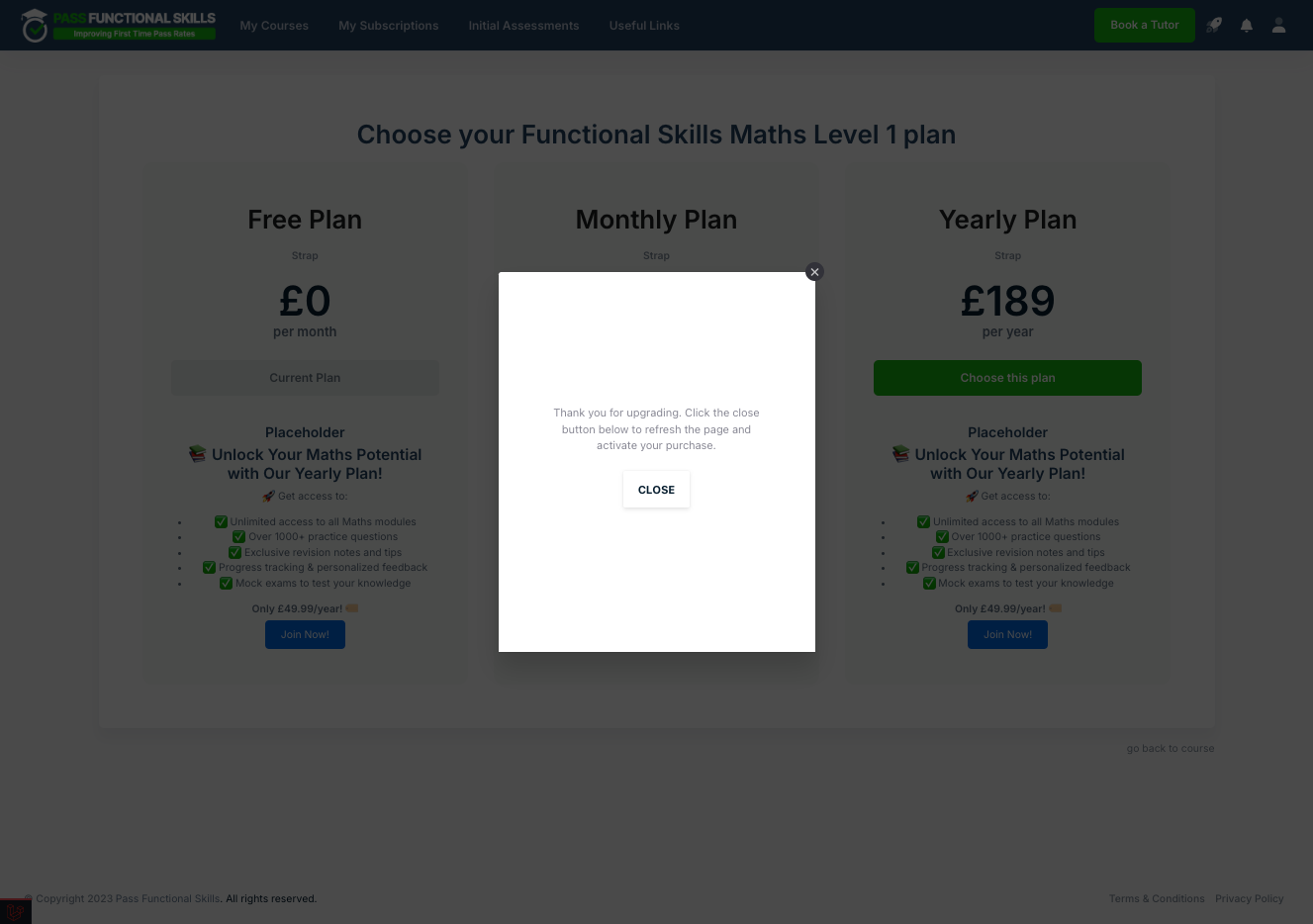
9. Close the modal, after payment completes. The user is now subscribed
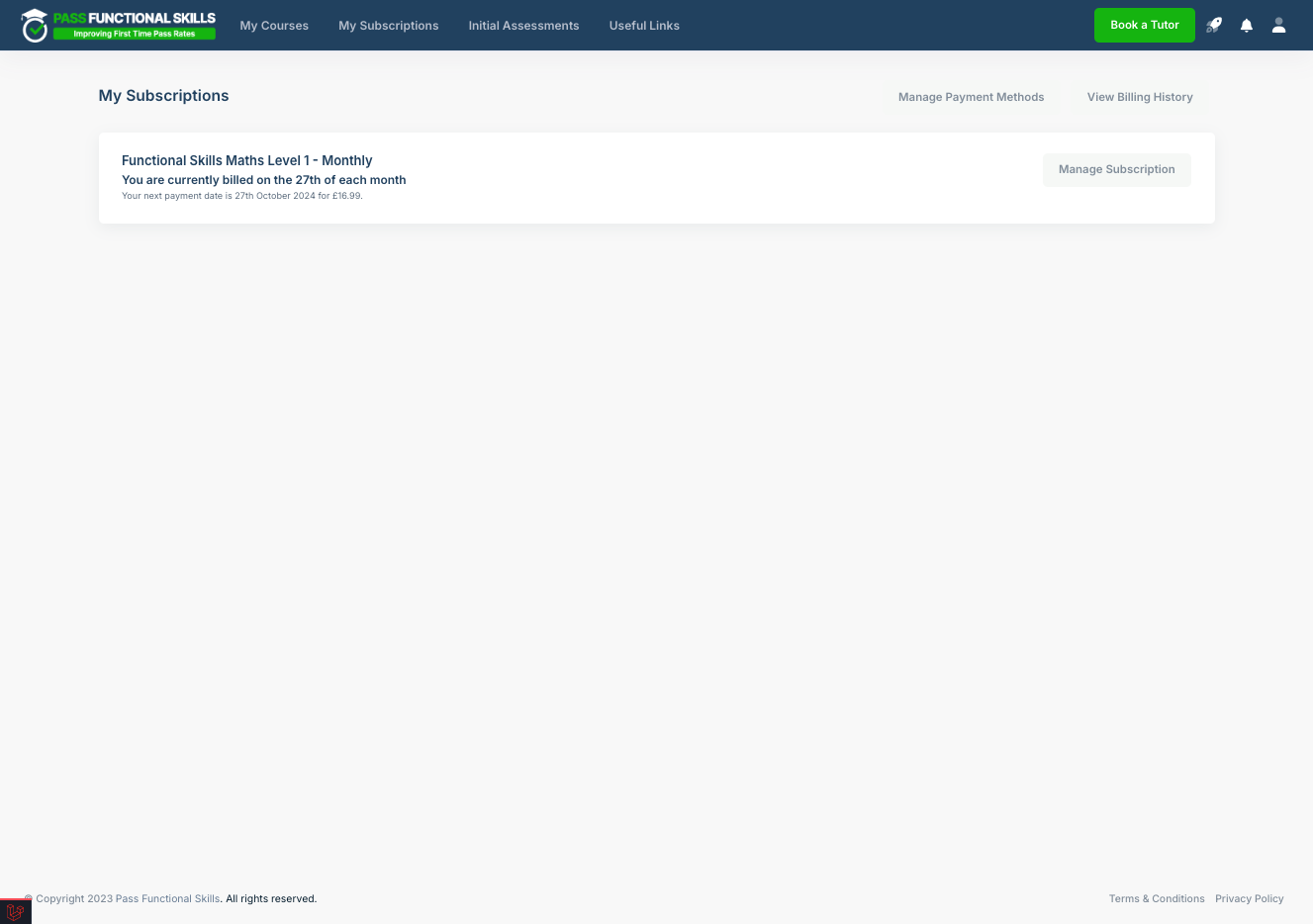
10. The user can check their subscriptions by clicking "My Subscriptions" on the top navbar
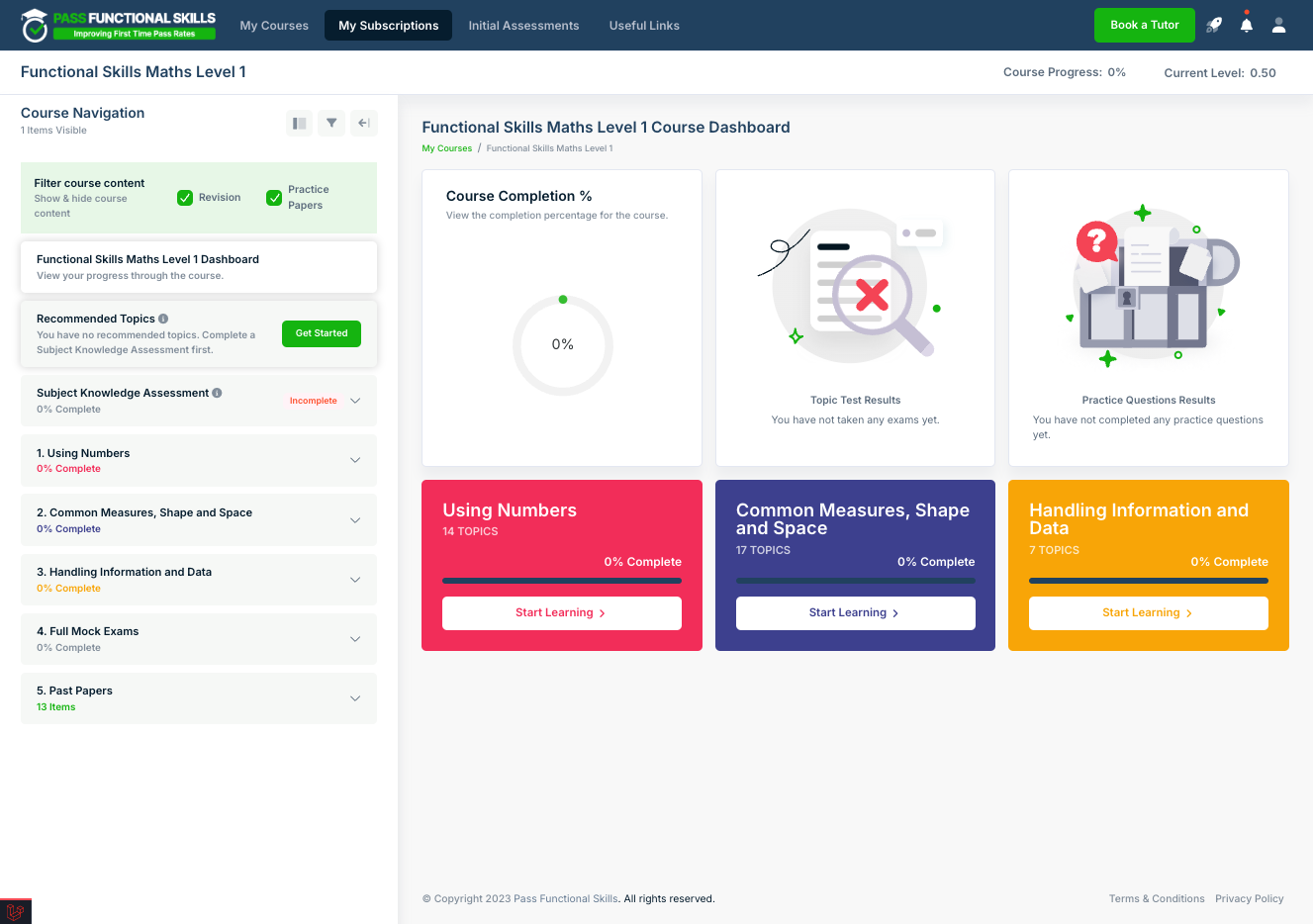
11. They will see details of any and all plans they are subscribed to (Prepaid will not show). From this page, they can also cancel/amend subscriptions via the Manage Subscription Button