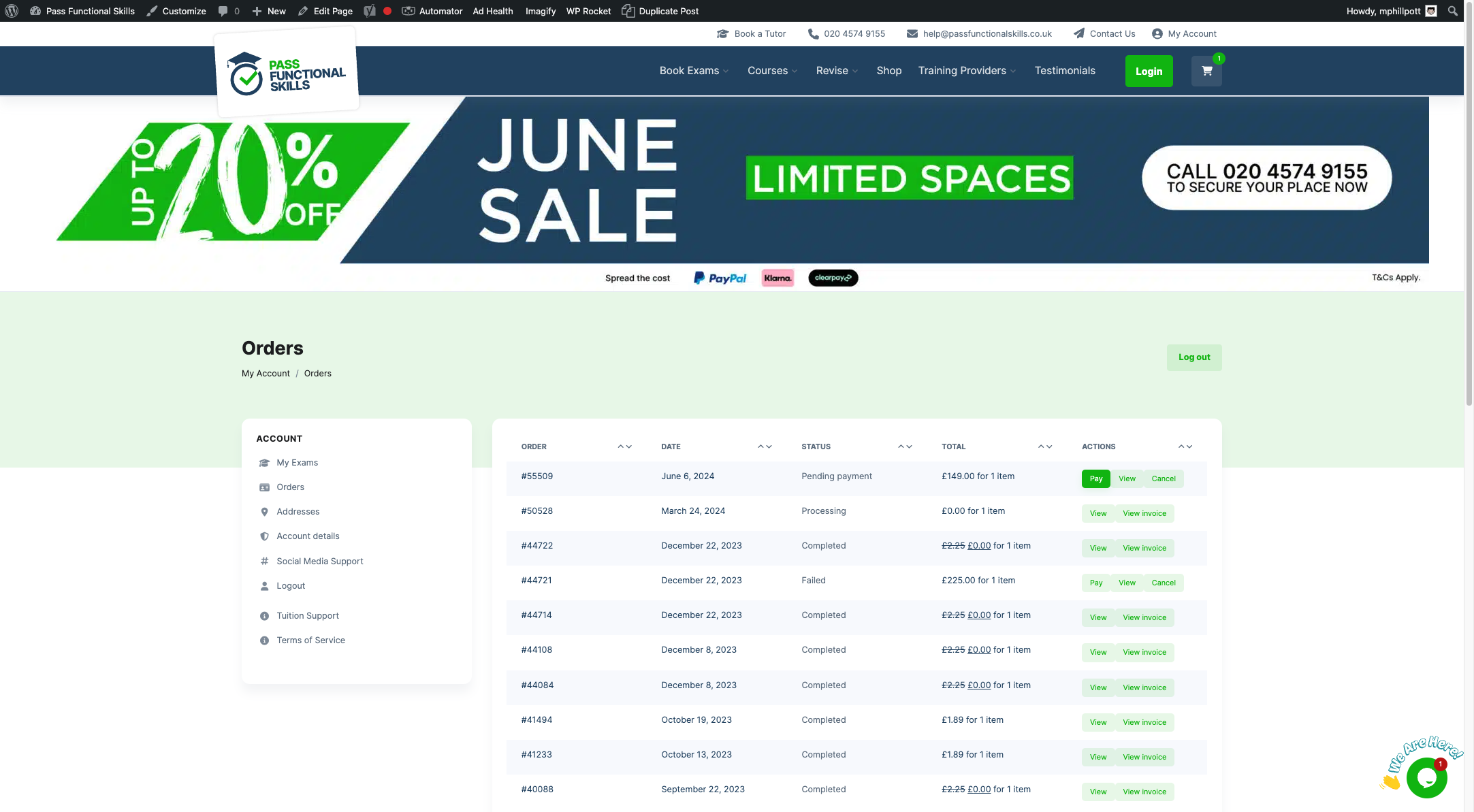
Start Here:
Orders ‹ Pass Functional Skills — WordPress
1. Click on Add order
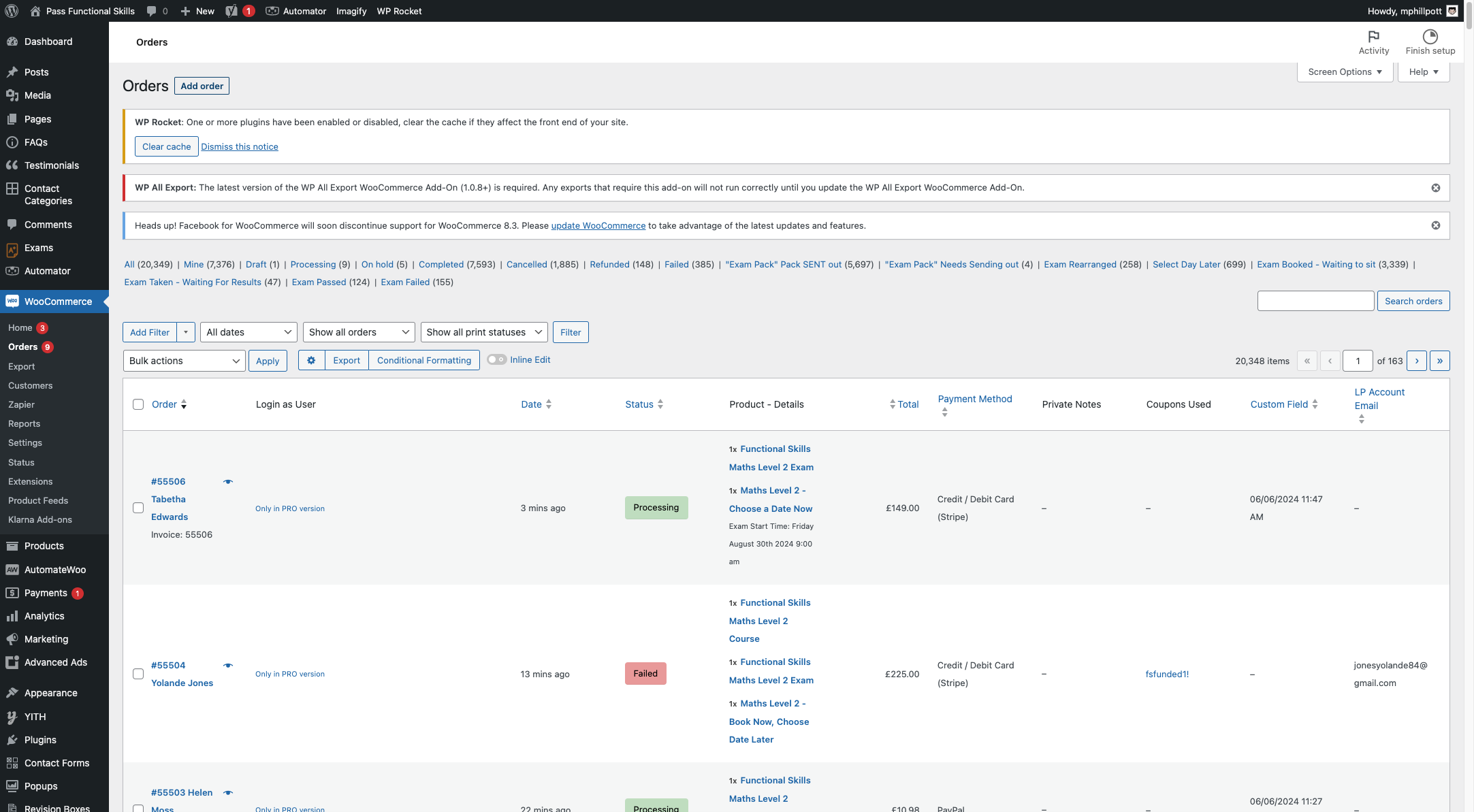
2. Click on Add item(s)
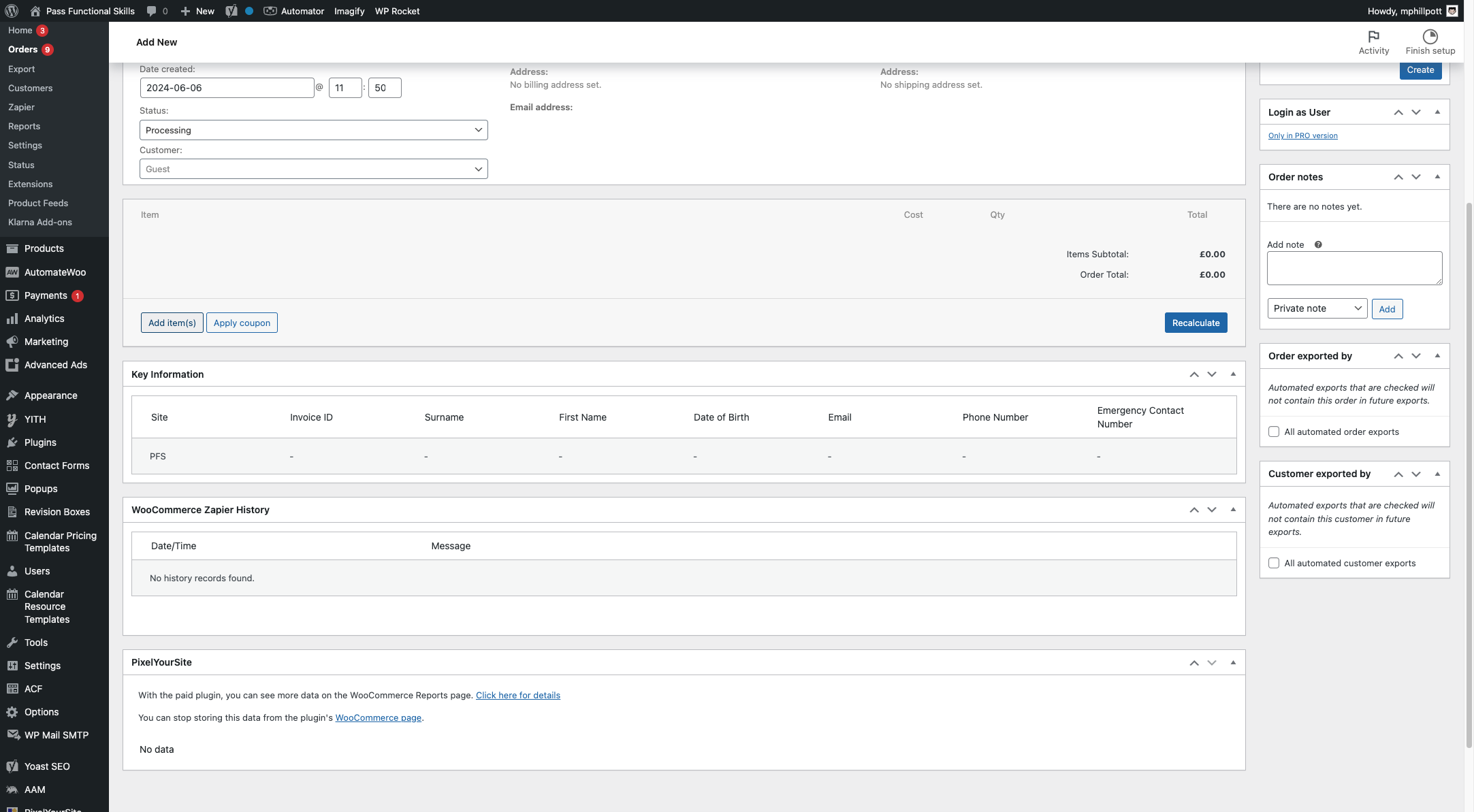
3. Click on Add product(s)
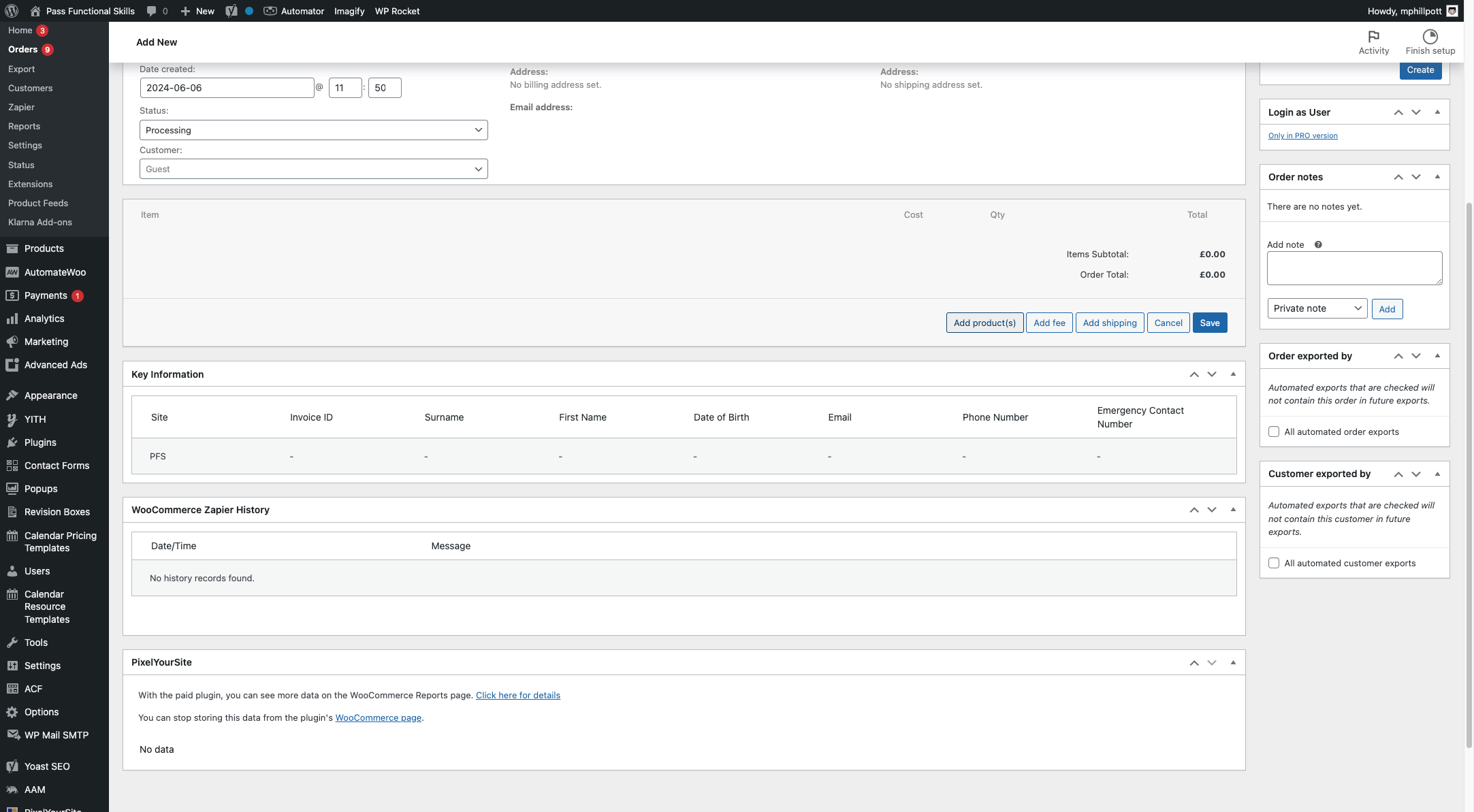
4. Click on 'Search for a product…'
Enter the product you wish to add to the Order (e.g. Type "functional skills exam")
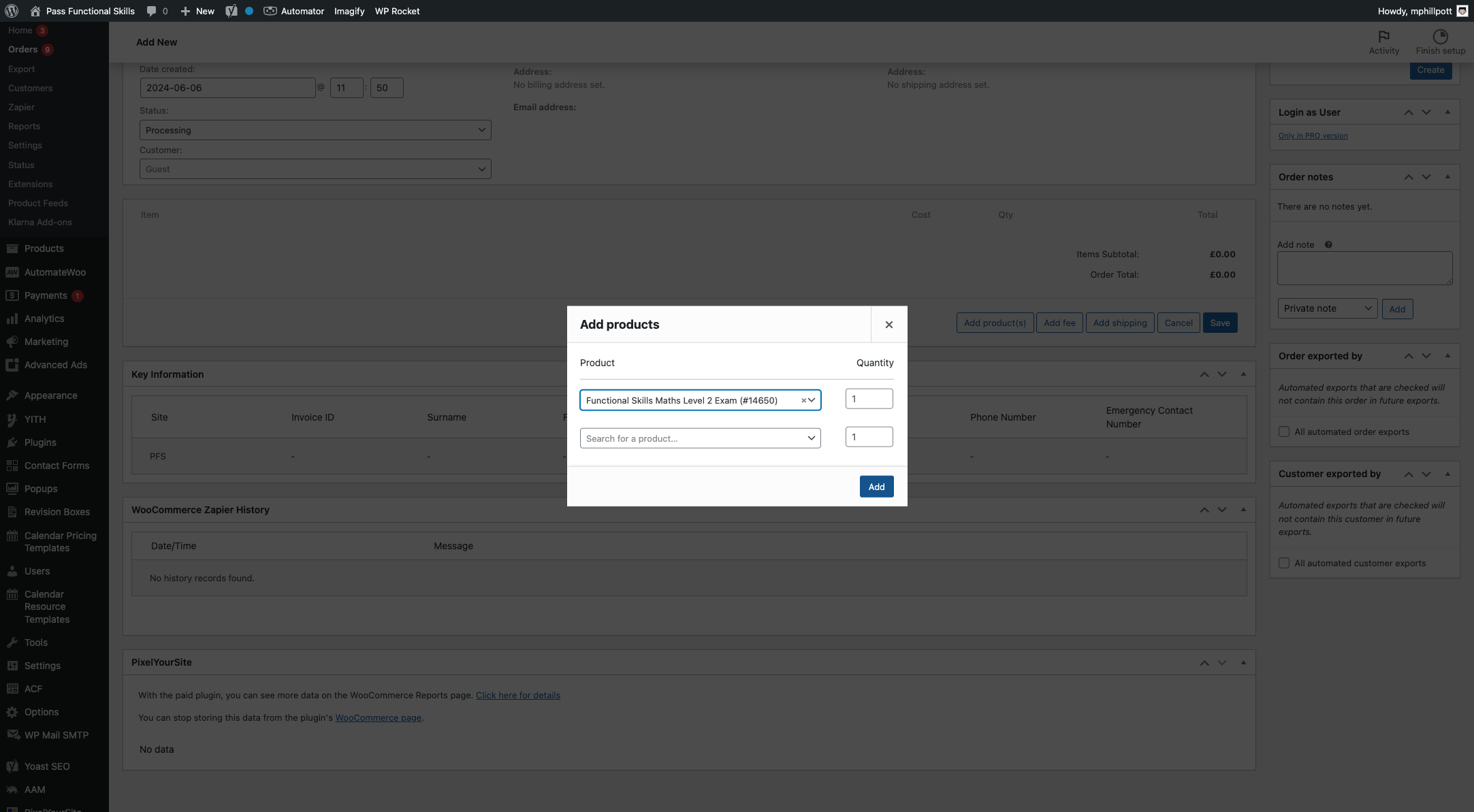
Select the product to add e.g. Functional Skills Maths Level 2 Exam (#14650)

7. Click on Add
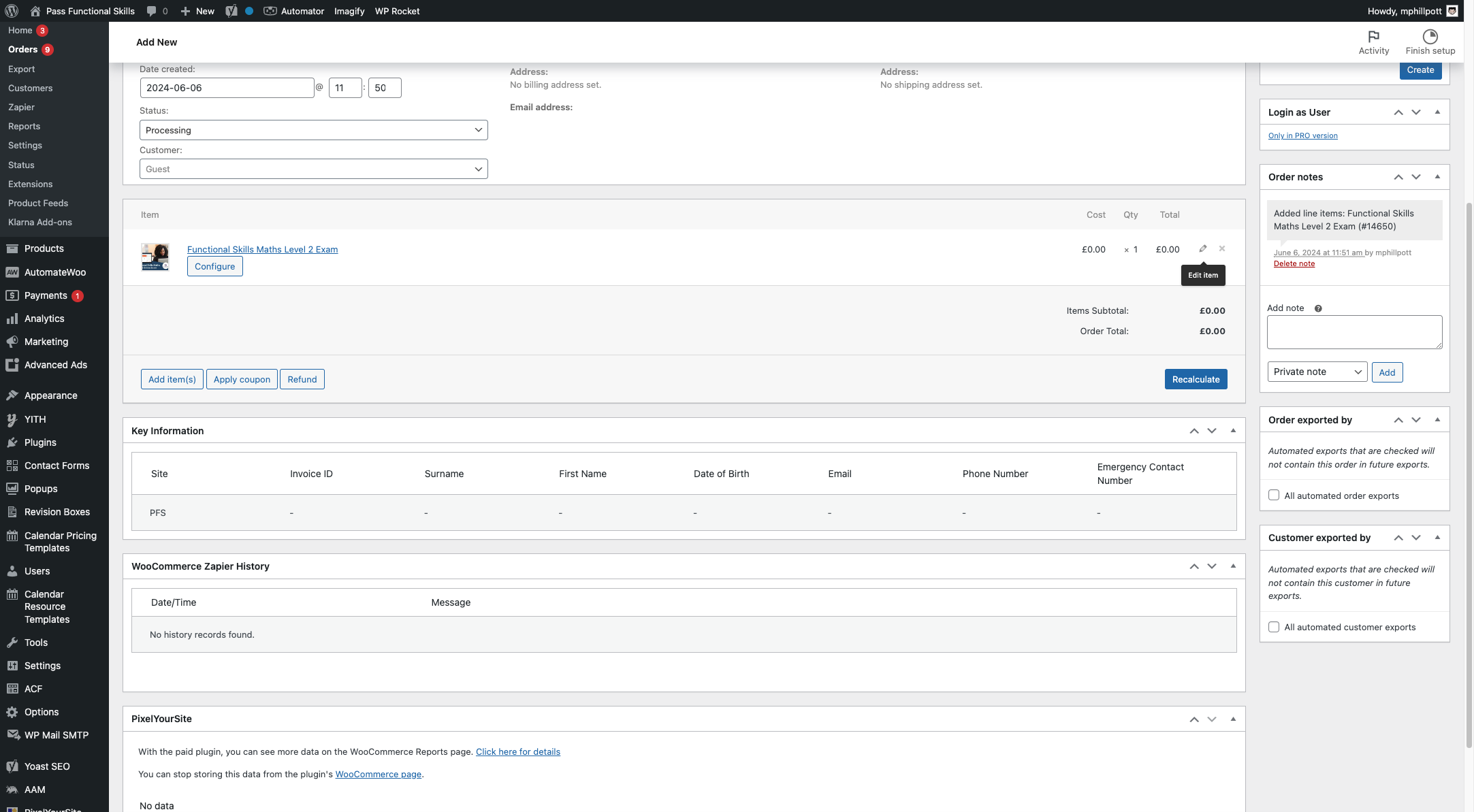
8. Click on the Edit Item Icon
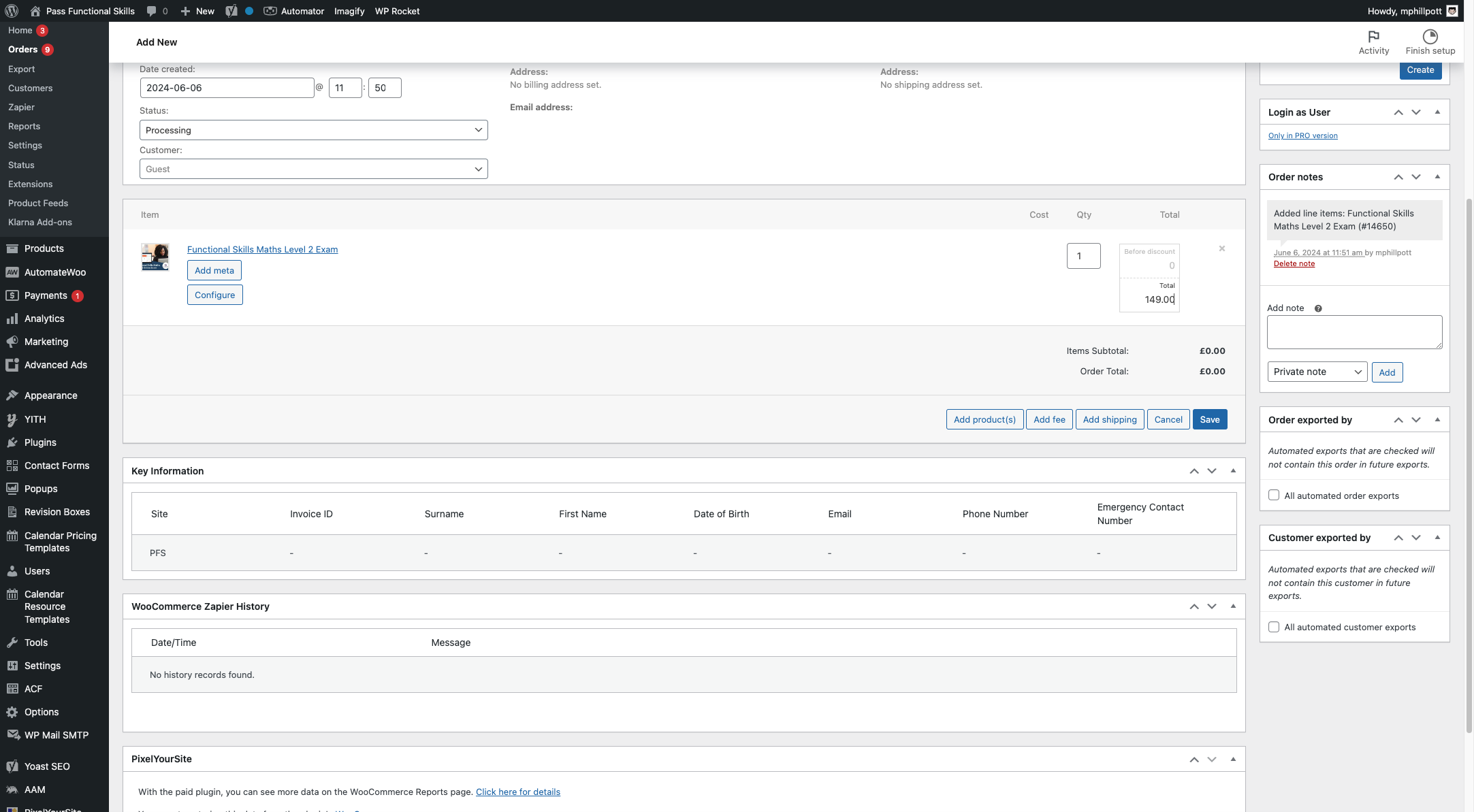
9. Type the price for the item (e.g. 149.00) in the total box
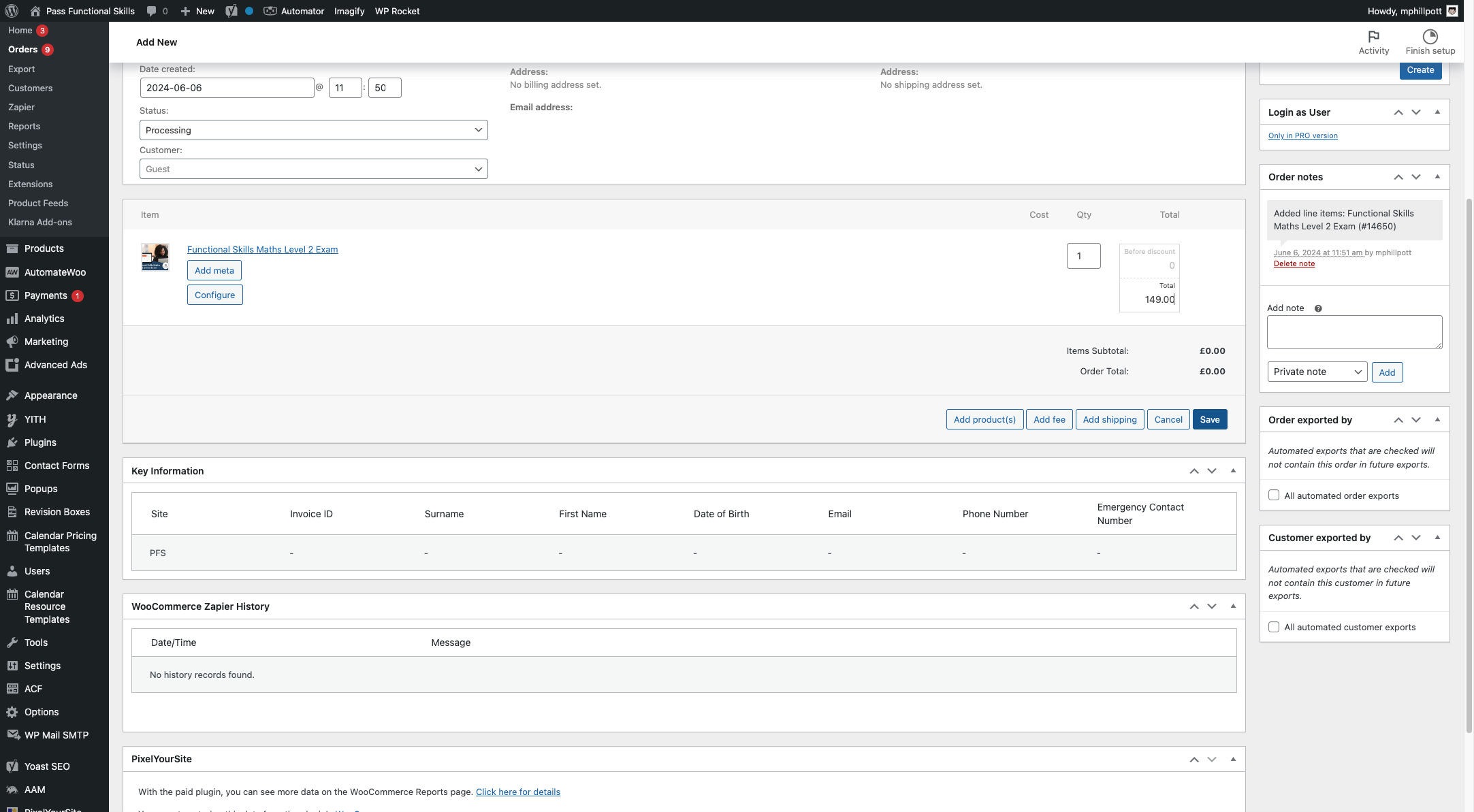
10. Click on Save
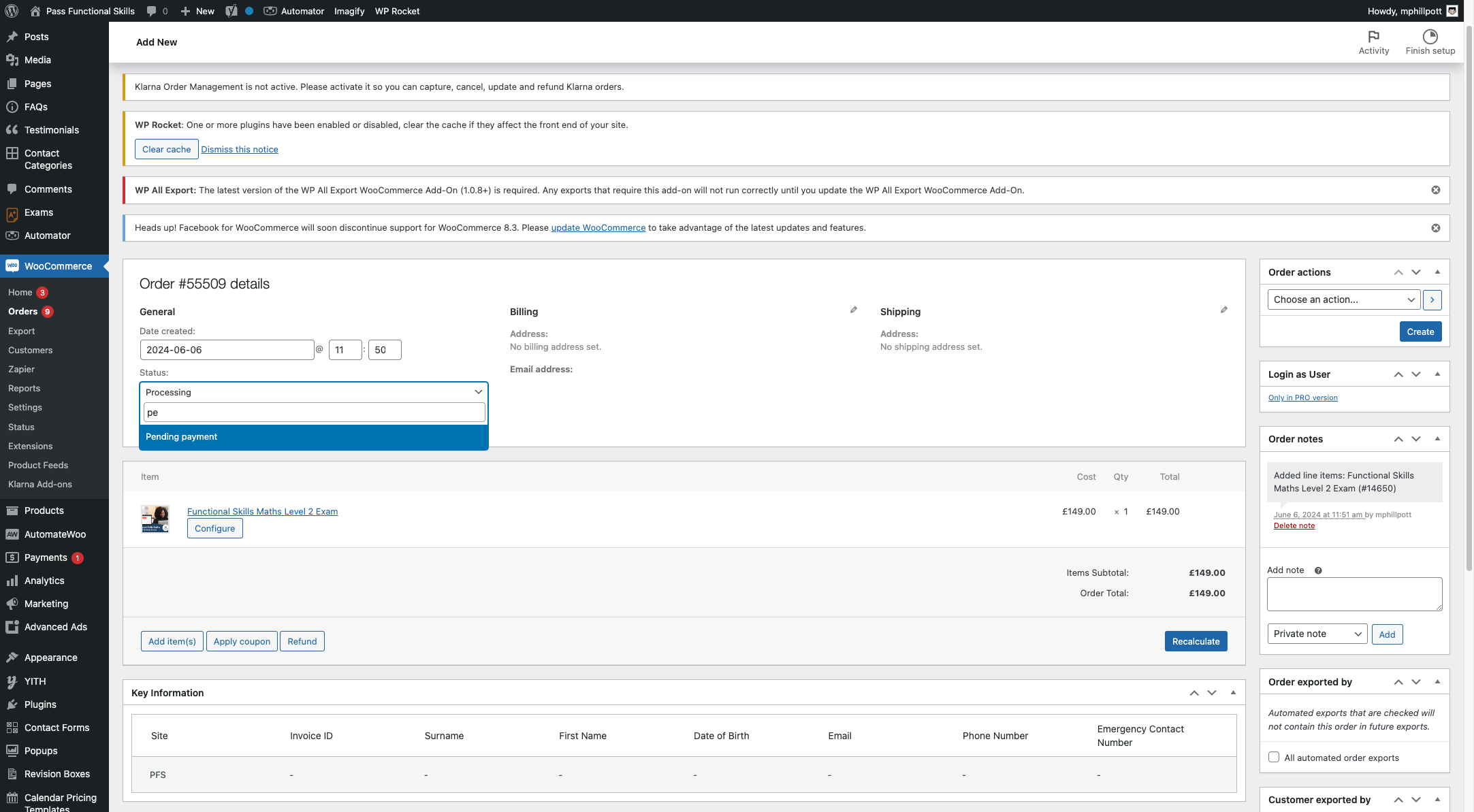
11. Change the order status to Pending Payment
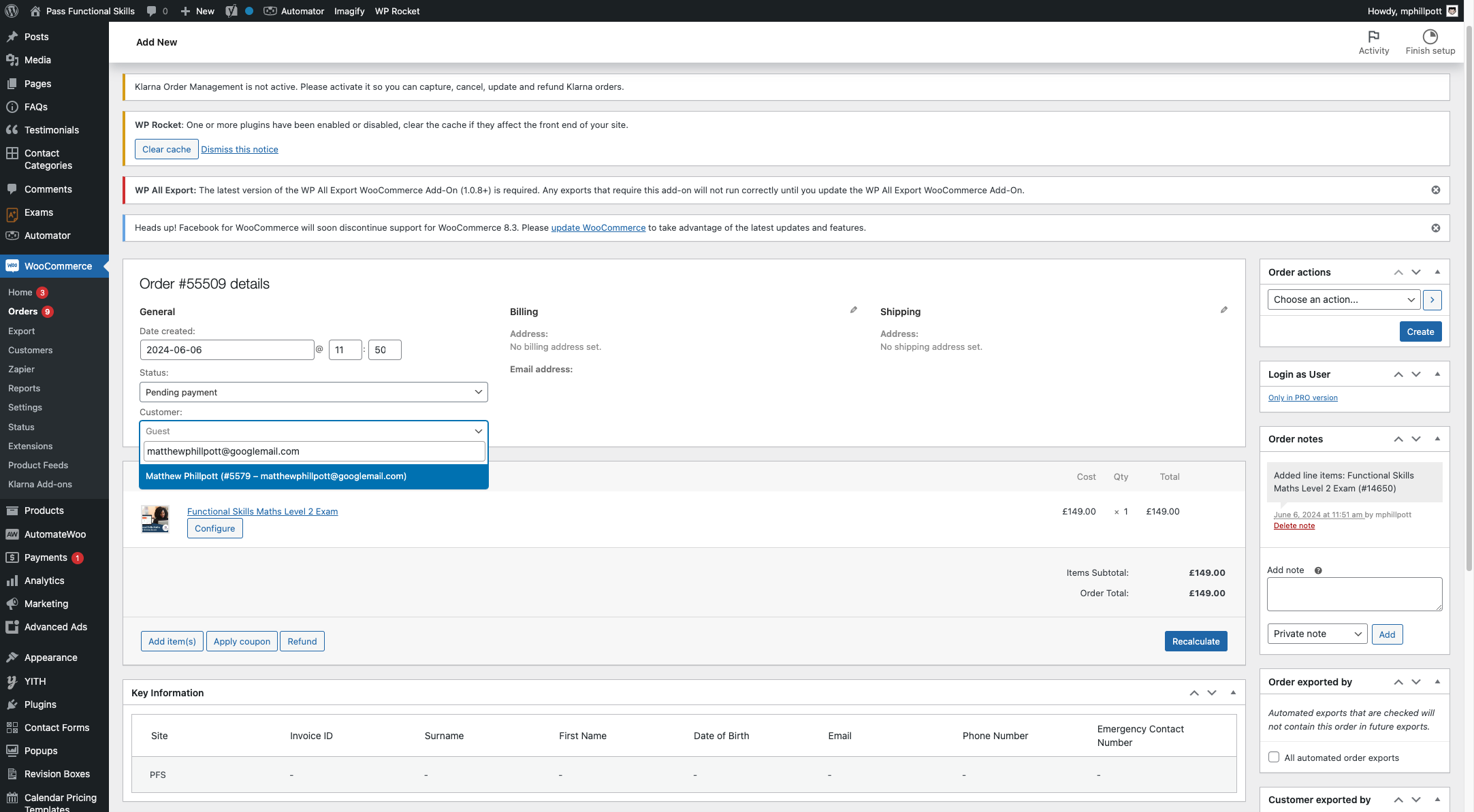
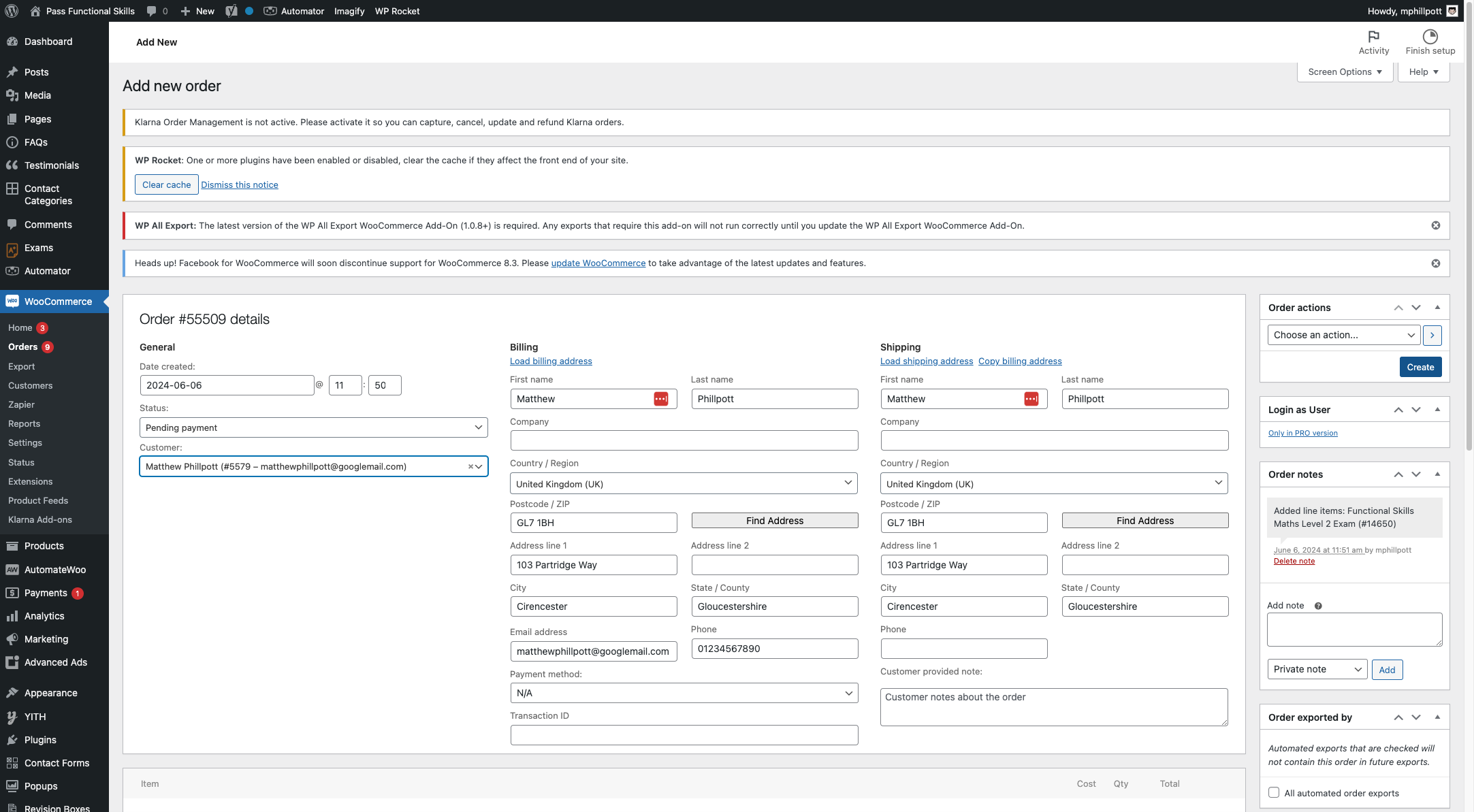
12. Assign the order to the customer's account (ensure the customer has been created before)
13. Click on Create
14. Log in as the customer and Click on Orders in the My Account area
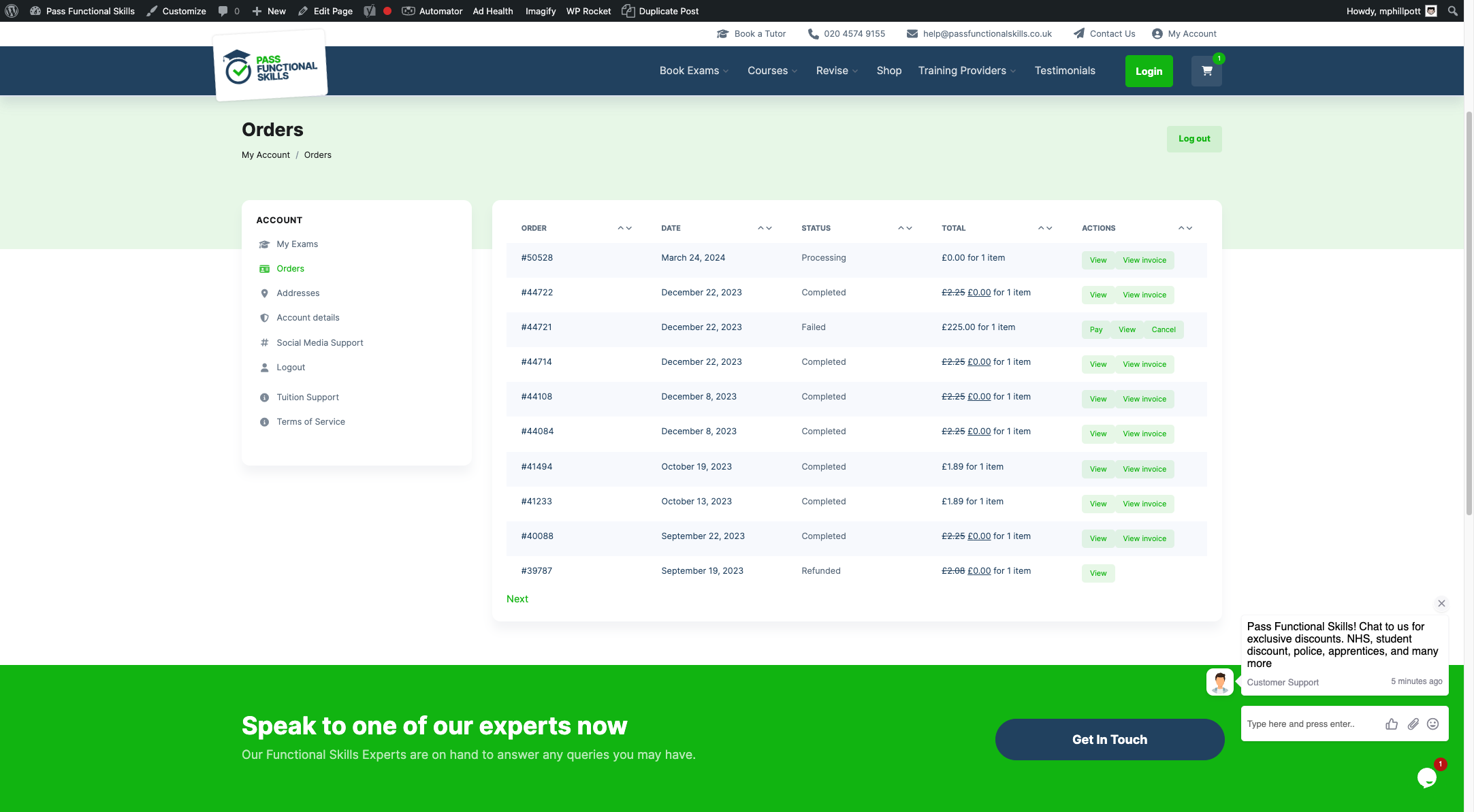
15. The customer now has a Pay button which will take them to the checkout to pay